

Copied to clipboard

CRM/ERP Systems Design
CRM and ERP systems designed for businesses that need clearer workflows, better visibility, and products teams can use with confidence.
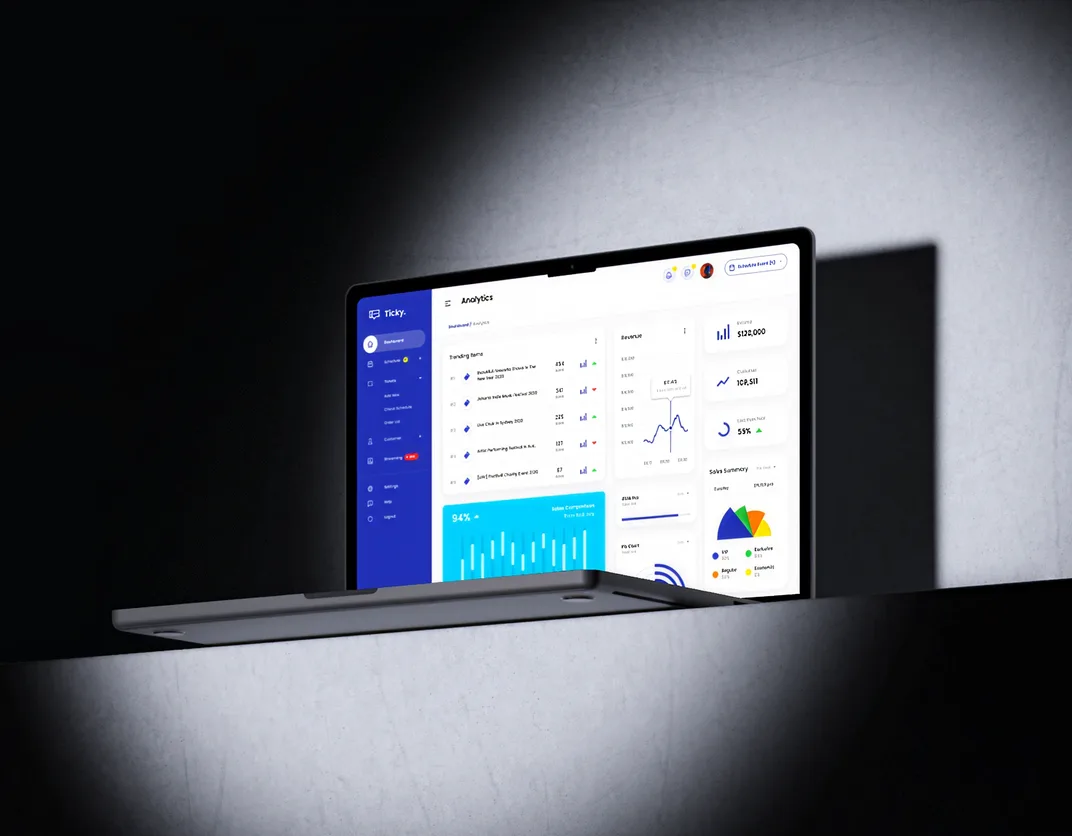
Ticket management CRM platform
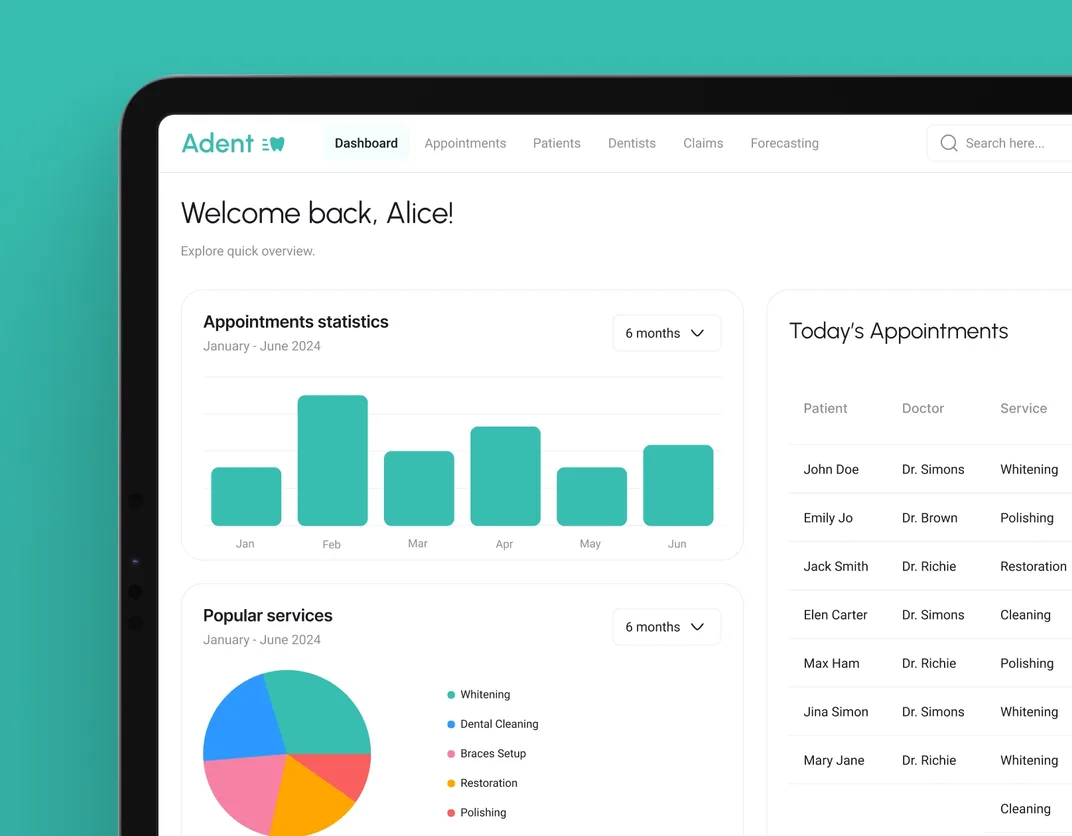
Dental CRM system
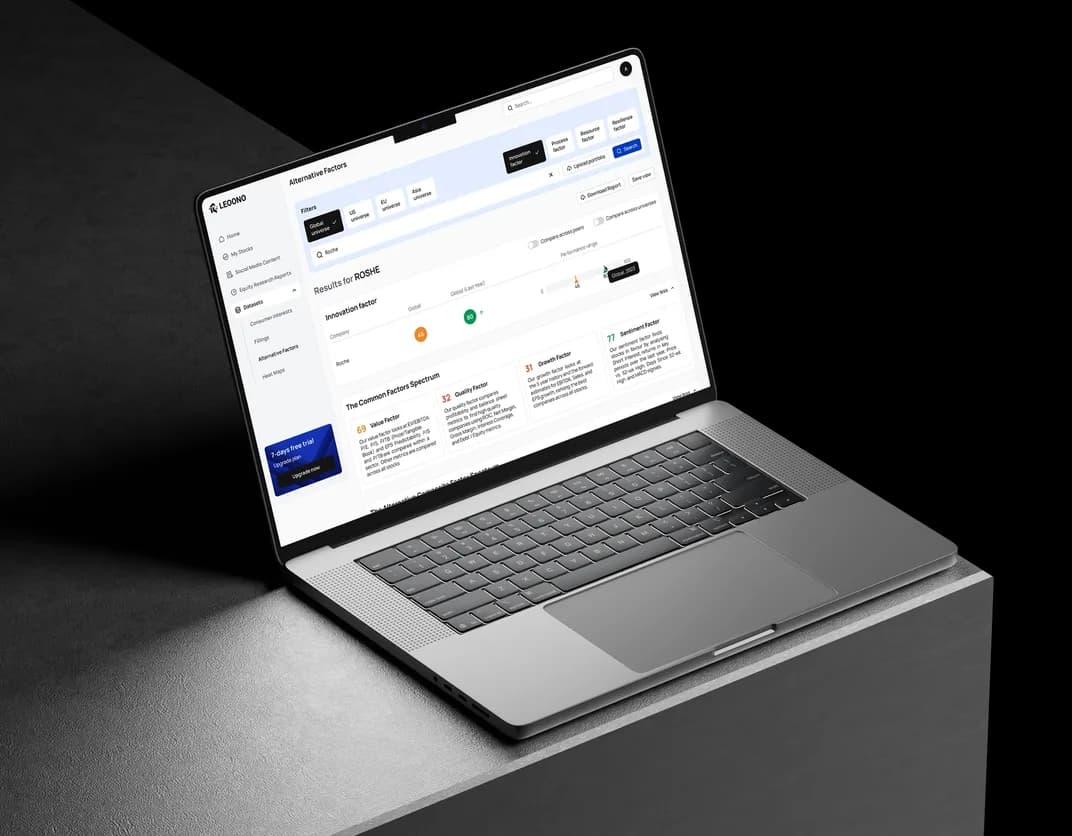
Security platform
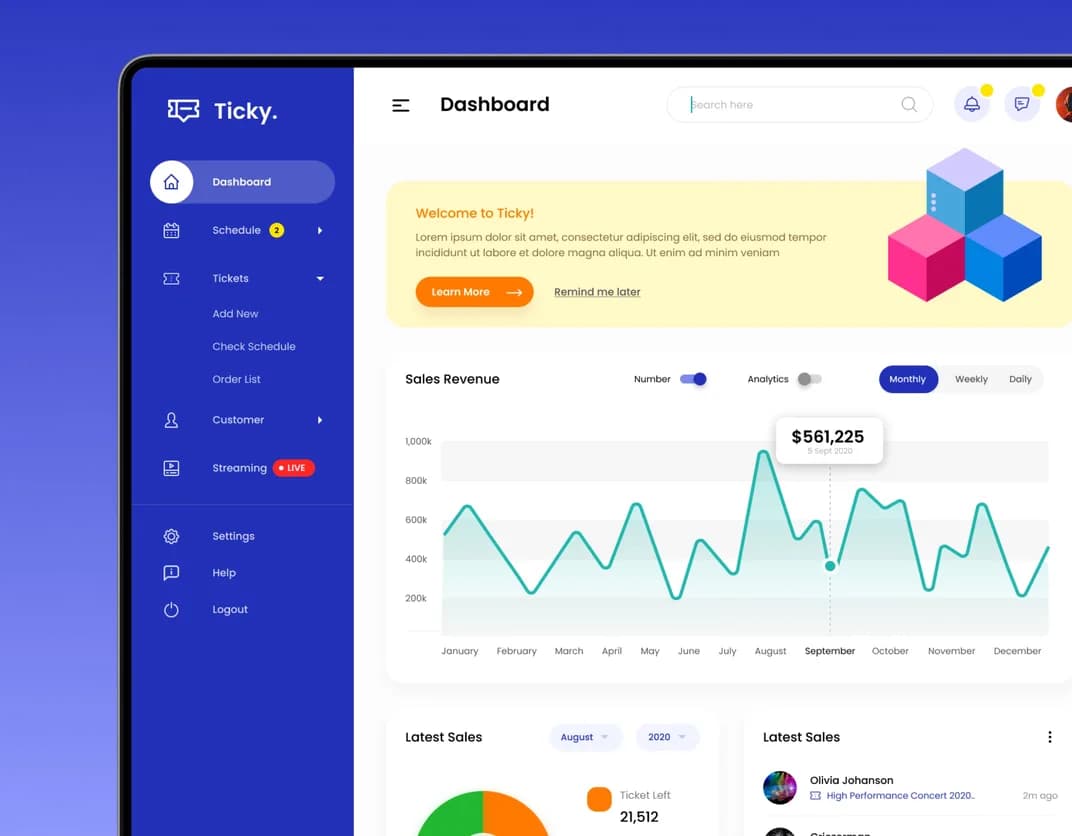
Ticket management platform
CRM/ERP design built on workflow clarity, better visibility, and real operational use
At DreamX, CRM and ERP product design focuses on workflow clarity, role-based access, data structure, and internal systems UX, so daily work feels easier to manage across teams, modules, and processes.
Our case studies
Explore our portfolio to see the solutions we have crafted for businesses across various industries. Let our work inspire your next big project
How we provide CRM/ERP
systems design services
We design CRM and ERP interfaces around records, approvals, roles, dashboards, and workflows that teams rely on every day.
Strong ERP or CRM systems design starts with how the business actually runs. We review user roles, approvals, records, handoffs, reporting needs, and dependencies early, so the system structure reflects real operational logic.
Workflow design shapes how people move through tasks, approvals, updates, and records without losing context. We define navigation, hierarchy, and task paths so CRM and ERP products feel easier to follow under real operational pressure.
CRM/ERP systems design has to make complexity readable. We organize dashboards, forms, tables, filters, and states so data-heavy interfaces feel clearer, more consistent, and easier to act on across the full product.
A clickable prototype gives your team a working view of the product before the build begins. It makes flows, screen relationships, and interaction logic visible early, so decisions can be reviewed in motion and friction can be corrected before development moves ahead.
The final design package is prepared for implementation with screens, components, states, and interaction logic clearly organized. That gives developers a stronger reference point and helps preserve the structure, clarity, and workflow decisions already approved.
Strong ERP or CRM systems design starts with how the business actually runs. We review user roles, approvals, records, handoffs, reporting needs, and dependencies early, so the system structure reflects real operational logic.
Workflow design shapes how people move through tasks, approvals, updates, and records without losing context. We define navigation, hierarchy, and task paths so CRM and ERP products feel easier to follow under real operational pressure.
CRM/ERP systems design has to make complexity readable. We organize dashboards, forms, tables, filters, and states so data-heavy interfaces feel clearer, more consistent, and easier to act on across the full product.
A clickable prototype gives your team a working view of the product before the build begins. It makes flows, screen relationships, and interaction logic visible early, so decisions can be reviewed in motion and friction can be corrected before development moves ahead.
The final design package is prepared for implementation with screens, components, states, and interaction logic clearly organized. That gives developers a stronger reference point and helps preserve the structure, clarity, and workflow decisions already approved.
Strong ERP or CRM systems design starts with how the business actually runs. We review user roles, approvals, records, handoffs, reporting needs, and dependencies early, so the system structure reflects real operational logic.
Why choose us for CRM/ERP design
At DreamX, CRM and ERP design is shaped around real operations, clearer workflows, and interfaces teams can use confidently every day.
Workflow-driven design
Approvals, records, handoffs, and task flows are designed around how teams actually operate, not around generic software patterns that add friction.
Clarity in data-rich screens
We structure dashboards, forms, and tables so that large volumes of information stay readable, usable, and easier to act on in daily work.
Strong internal systems UX
Internal systems UX needs more than visual polish. It needs a stronger hierarchy, clearer navigation, and interface logic that people can learn without strain.
Role-based structure
Each role sees the right information, actions, and level of control, which keeps the system clearer for users and easier to manage for the business.
Practical collaboration
Feedback stays direct, progress stays visible, and design decisions stay grounded in product logic, which keeps the work easier to review and move forward.
Implementation-ready output
Files, states, and interaction guidance are prepared for real build conditions, reducing confusion and helping the final system stay closer to the approved design.
FAQ
How do you design interfaces for complex internal systems?
Complex internal systems need more than organized screens. They need a structure that reflects how the business actually runs. We start with workflows, records, approvals, dependencies, and user priorities, then turn that into CRM/ERP systems design that feels clearer in daily use and easier to act through across multiple modules.
How do you simplify workflows for teams using CRM or ERP platforms?
We simplify workflows by finding where time gets lost. That can mean repeated steps, weak visibility, confusing navigation, or too much switching between modules. From there, we improve workflow design so teams can move through tasks with fewer interruptions, clearer next steps, and less effort spent working around the product.
Can you redesign outdated or hard-to-use systems?
Yes. A full rebuild is not always necessary. We review what still works, what slows teams down, and where the product is creating friction, then redesign structure, navigation, and interface behavior to improve clarity. That approach helps modernize the system without discarding useful parts or disrupting teams more than needed.
How do you handle large amounts of data in the interface?
Large data sets need strong hierarchy, not clutter. We organize dashboards, tables, filters, forms, and detail views so people can find what matters faster and act with more confidence. That matters most in data-heavy interfaces, where too much visual noise slows decisions and makes the product harder to use.
Do you design for different user roles and access levels?
Yes. Different users need different information, actions, and degrees of control. We account for those differences from the start, so each role sees what is relevant without the interface becoming overloaded or inconsistent. That keeps CRM and ERP products clearer for users and more manageable for the business behind them.
How do you ensure usability for non-technical users?
Usability for non-technical users comes from reducing ambiguity in the interface. We use clearer structure, stronger labels, more intuitive paths, and predictable interaction patterns so people can complete work without needing technical knowledge to decode what comes next. That is a core part of strong internal systems UX.
Have a project in mind?
Share a few details about your project. We'll review your requirements and recommend the best development approach.